
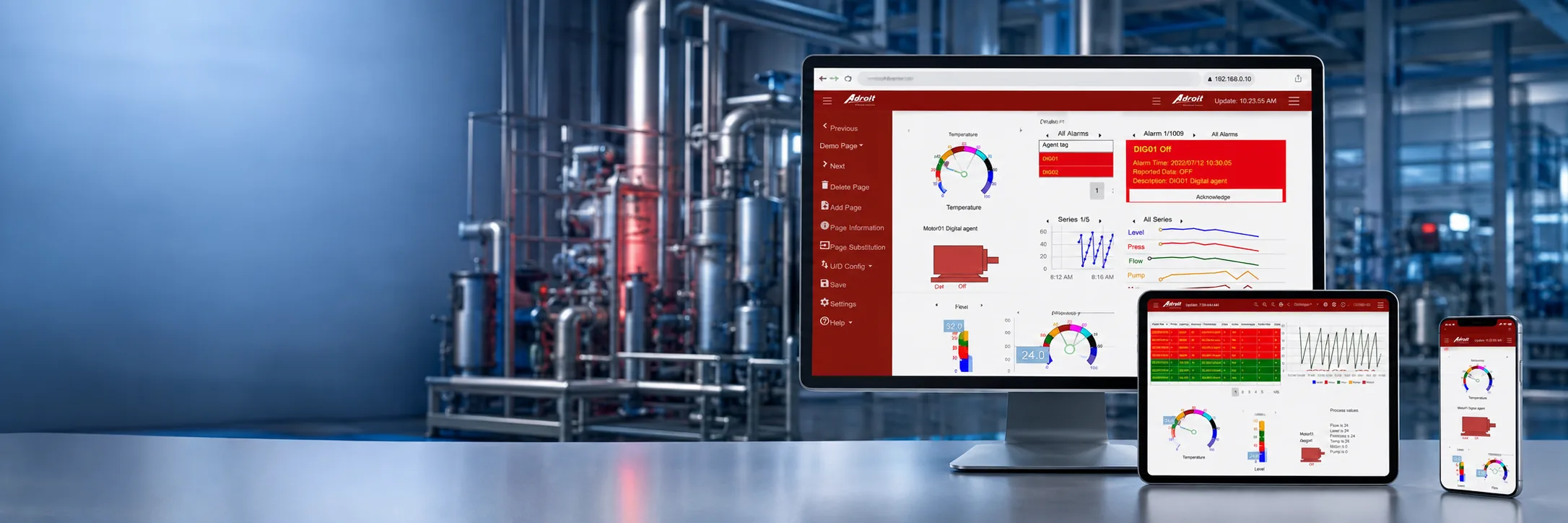
Your SCADA. Anywhere.
Performance Anywhere gives authorised users secure, responsive access to Adroit SCADA dashboards from desktop computers, laptops, tablets and smartphones - on-site or away from the plant.
Monitor, Manage and Control from Anywhere
Performance Anywhere is Adroit's HTML5 web-client dashboard, designed to extend operational visibility beyond the control room. It allows authorised users to monitor processes, production, alarms, events and site performance from supported browsers on desktop computers, laptops, tablets and smartphones. Responsive dashboards can be built with graphs, gauges, alarm lists, analogue displays, buttons, sliders, switches, statistics and updated plant screens.
Secure user and group profiles determine each user's access and functionality, while internal Wi-Fi or external Internet configurations make important process information available wherever it is needed. With the correct credentials, users can acknowledge alarms, change set points and perform permitted control actions.
Want to Dive Deeper
Performance Anywhere: Page Substitutions
Secure Mobile Gateway - Web Browser Support for Adroit / MAPS
What Performance Anywhere Does
Features and Benefits
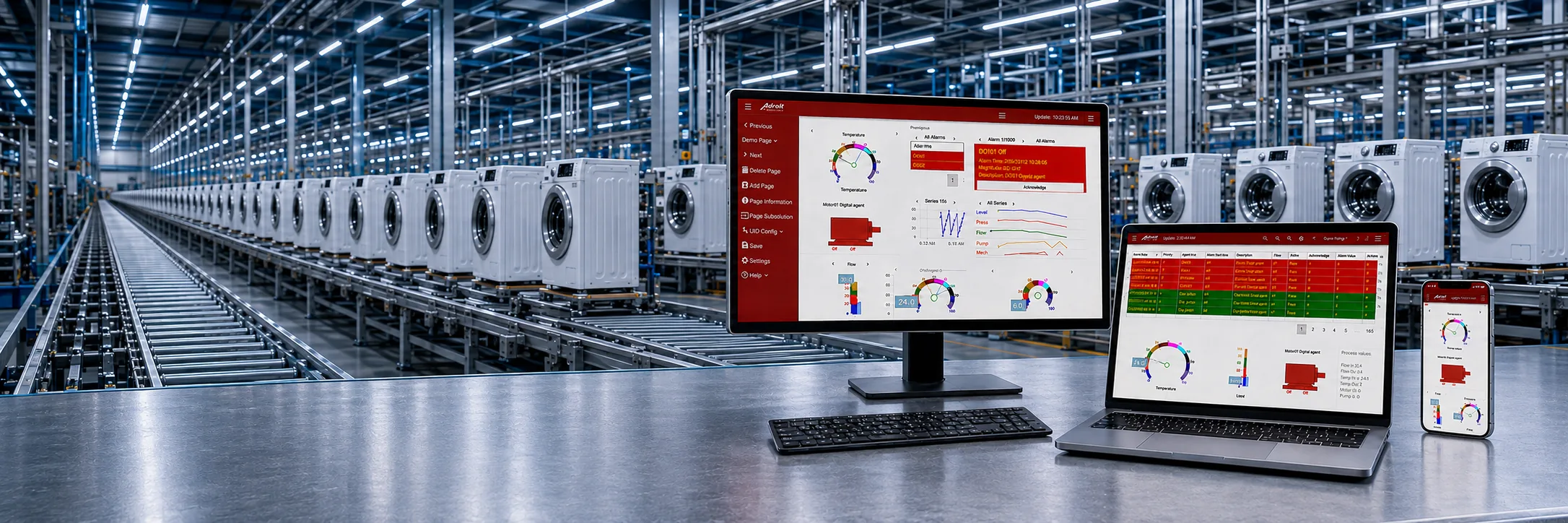
Access Performance Anywhere through supported browsers on desktop computers, laptops, tablets and smartphones, with responsive design adapting the dashboard to different screen sizes.
Benefit: Gives authorised users consistent access to operational information across devices without being tied to the control room.
Use the built-in Designer to create customised interfaces and connect selected dashboard elements to data from the Adroit SmartUI Server and Agent Servers.
Benefit: Makes it easier to present the most important process information for each user, role or operational requirement.
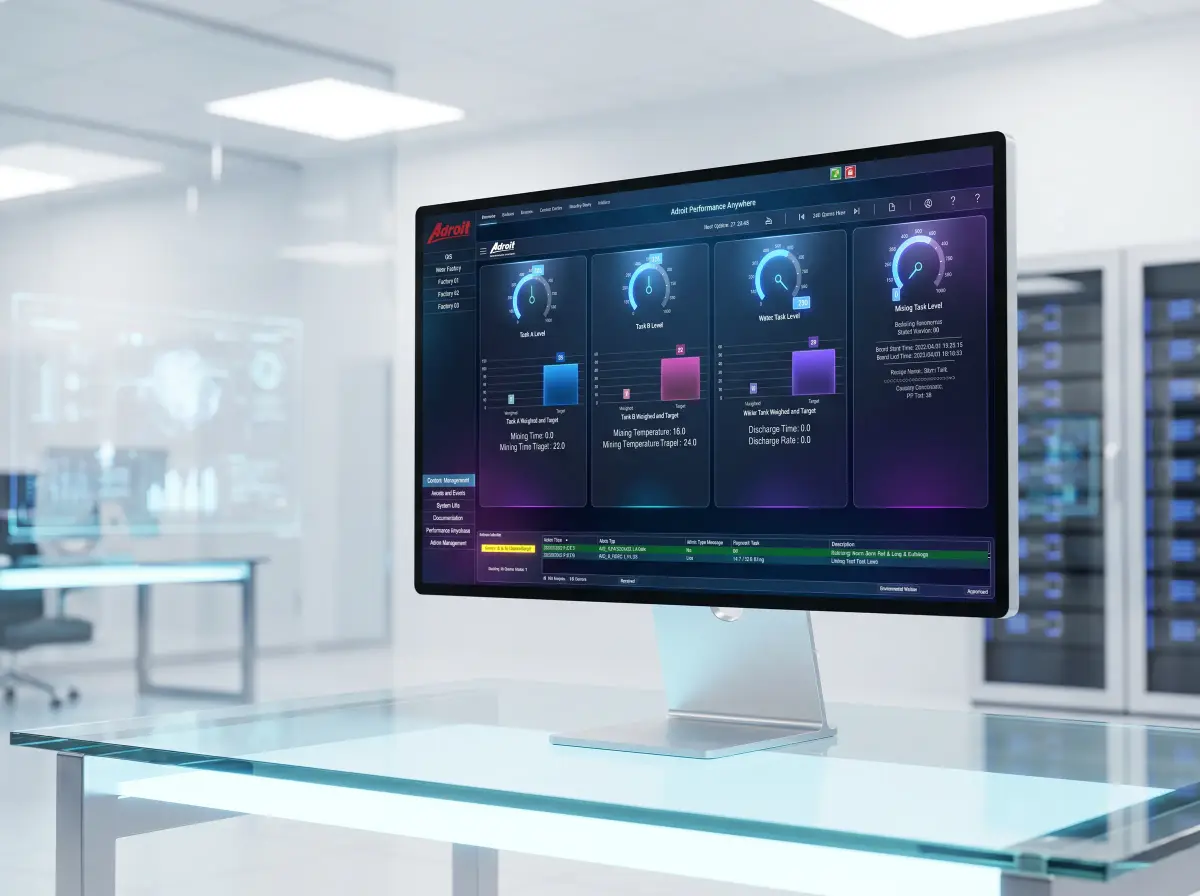
Build dashboard pages using standard widgets and design wizards, including charts, graphs, gauges, alarm lists, analogue displays, sliders, switches, buttons, statistics and text displays.
Benefit: Speeds up dashboard development and turns live SCADA data into clear, easy-to-understand operational views.
Configure network user and group profiles to define the information and functionality available to each user through the web-client operator.
Benefit: Protects plant data and control functions while giving authorised users the access required for their responsibilities.
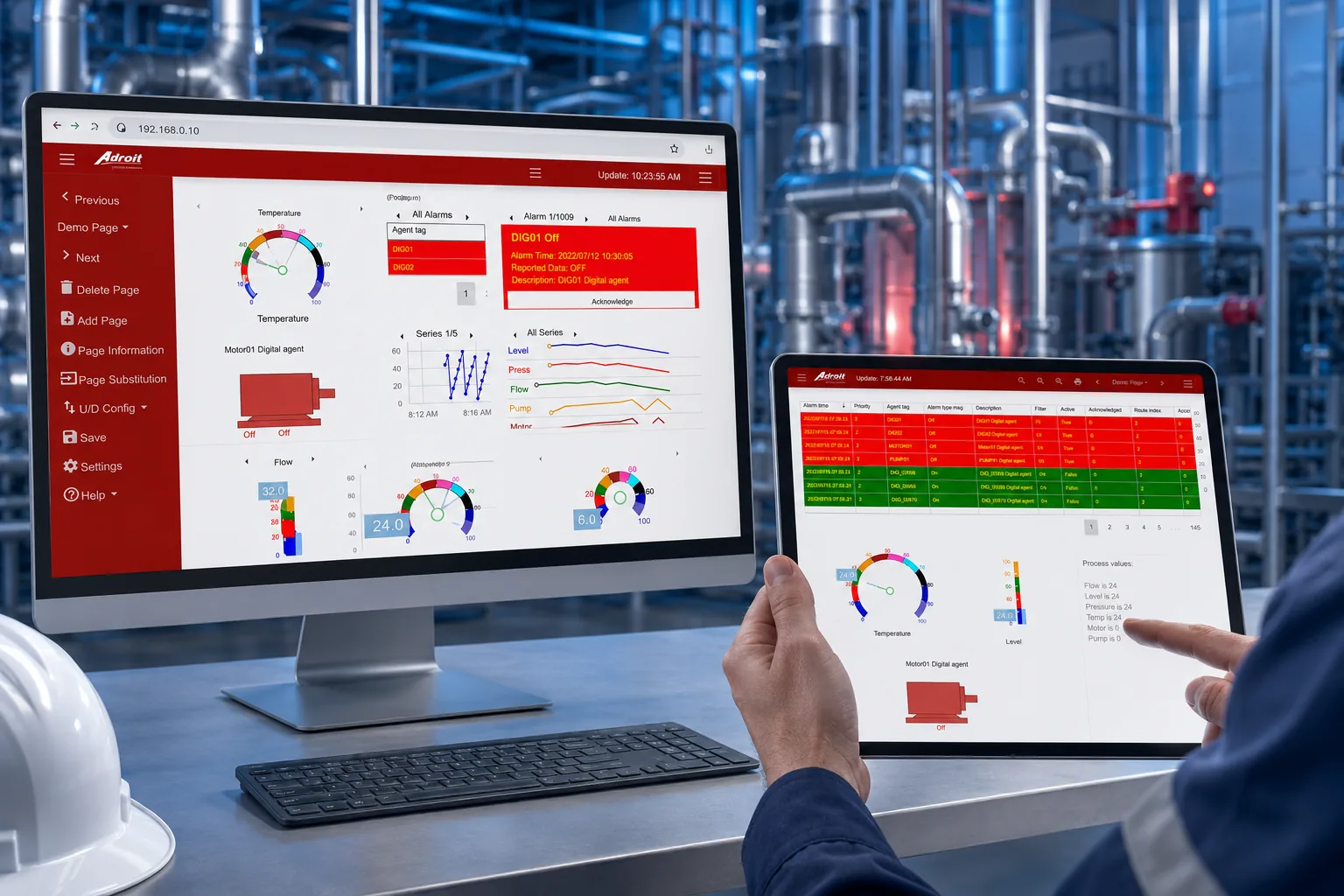
View process values, production information, alarms and events, acknowledge alarms and, with the correct credentials, change set points or perform permitted start and stop actions.
Benefit: Helps authorised personnel diagnose issues and respond more quickly from on-site or remote locations.
Configure Performance Anywhere for access over an internal site network and Wi-Fi connection or through an external Internet connection to the site's network.
Benefit: Provides flexible deployment options for local mobility and secure off-site operational access.
Configure the poll-based interface to retrieve all value changes between polling intervals or only the value available at each polling interval.
Benefit: Allows data transfer behaviour to be matched to the dashboard's operational and connectivity requirements.
Use the Dynamic HTML widget and HTML5 knowledge to create user-defined pages that display selected site data in a tailored web format.
Benefit: Extends dashboard flexibility for specialised views and application-specific information presentation.
Where GIS functionality is used within the SCADA system, include mapped locations, markers and associated values within the Performance Anywhere dashboard.
Benefit: Helps users understand geographically distributed assets and operational values within a clear location-based view.
Use a simplified web-client interface designed to make important operational information and permitted functions easier to access on mobile devices.
Benefit: Reduces the skill and effort required to review site performance while moving around the plant or working remotely.
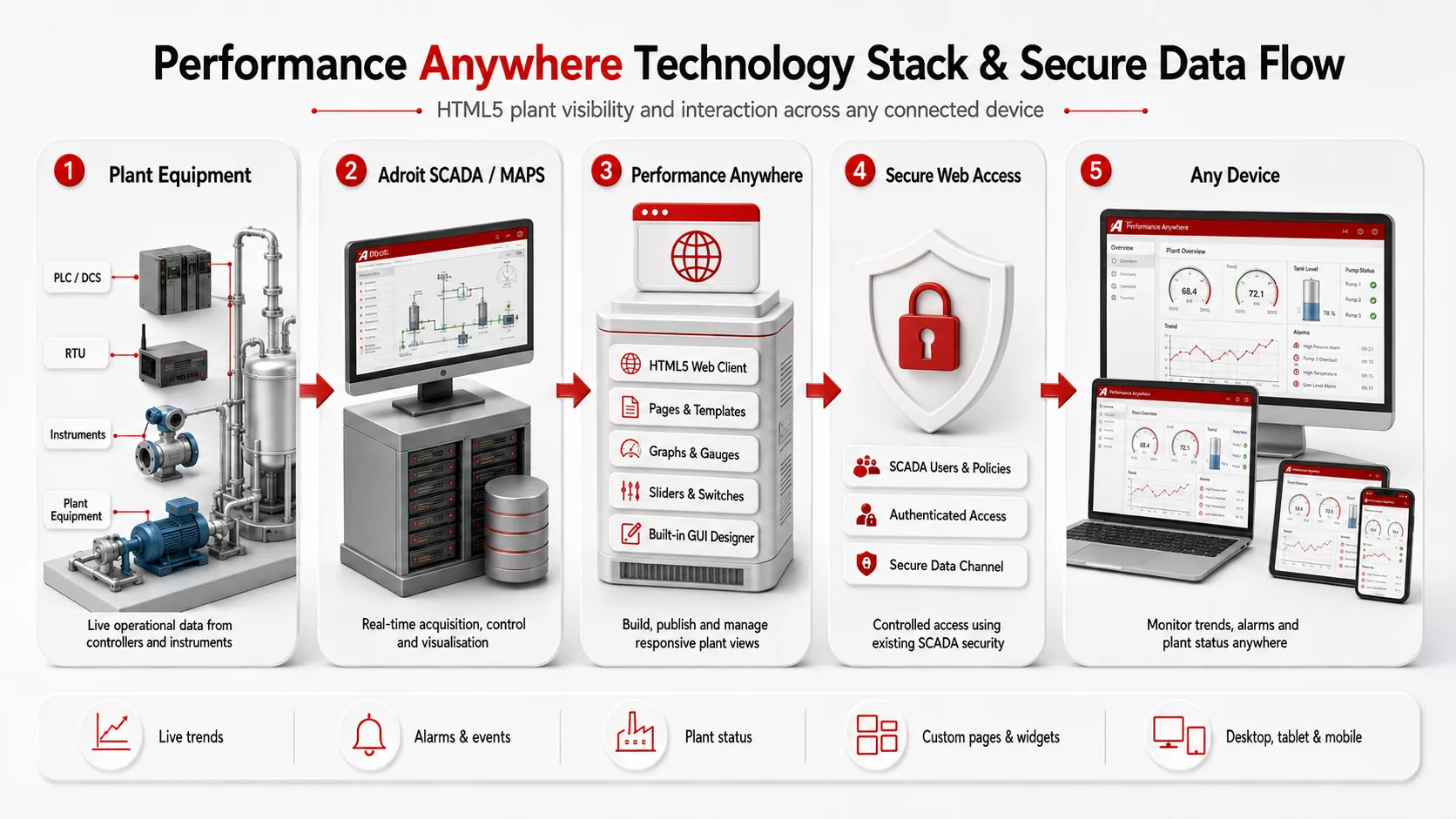
Technology Stack & Data Flow
How Performance Anywhere Works
Performance Anywhere connects authorised users to selected Adroit SCADA data through a responsive HTML5 web-client dashboard, providing secure visibility and permitted operational control across supported devices.
Connect to Adroit SCADA
Adroit SmartUI manages the connection and provides secure access to selected process data and functions from the Adroit Agent Servers.
Configure Users and Data
Create user profiles, define access permissions and configure how data is transferred between the server and each authorised web-client user.
Build Responsive Dashboards
Use the built-in Designer, widgets and multiple dashboard pages to present live values, trends, alarms, events and operational controls clearly.
Access from Any Device
Open the responsive HTML5 dashboard from supported desktop computers, laptops, tablets or smartphones over an internal network or external Internet connection.
A Closer Look at Performance Anywhere
Explore the responsive dashboards and web-client tools that keep authorised users connected to important plant information wherever they are.
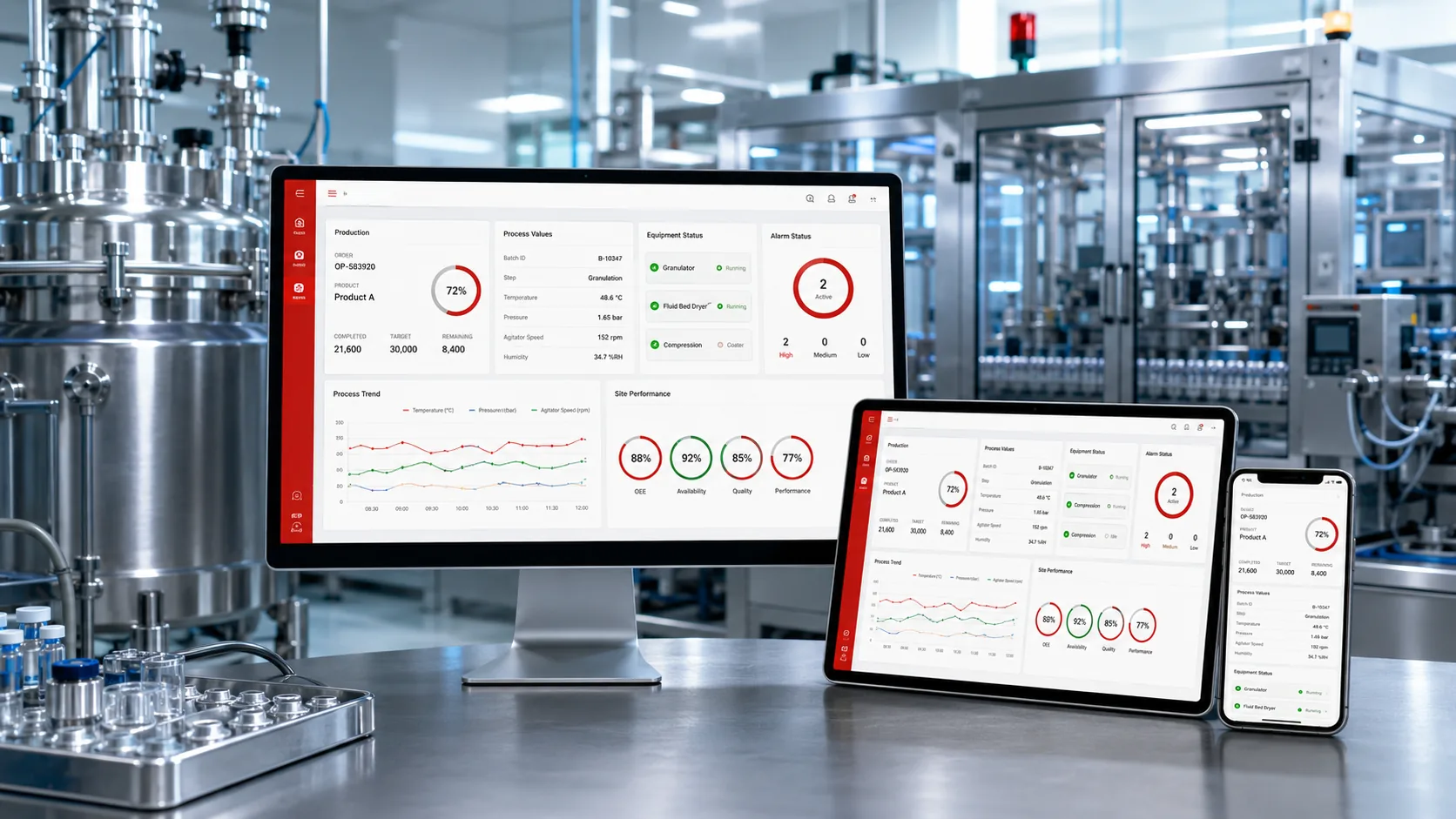
Responsive Process Dashboards
View live process values, production information and site performance through dashboards that adapt to desktop, tablet and smartphone screens.
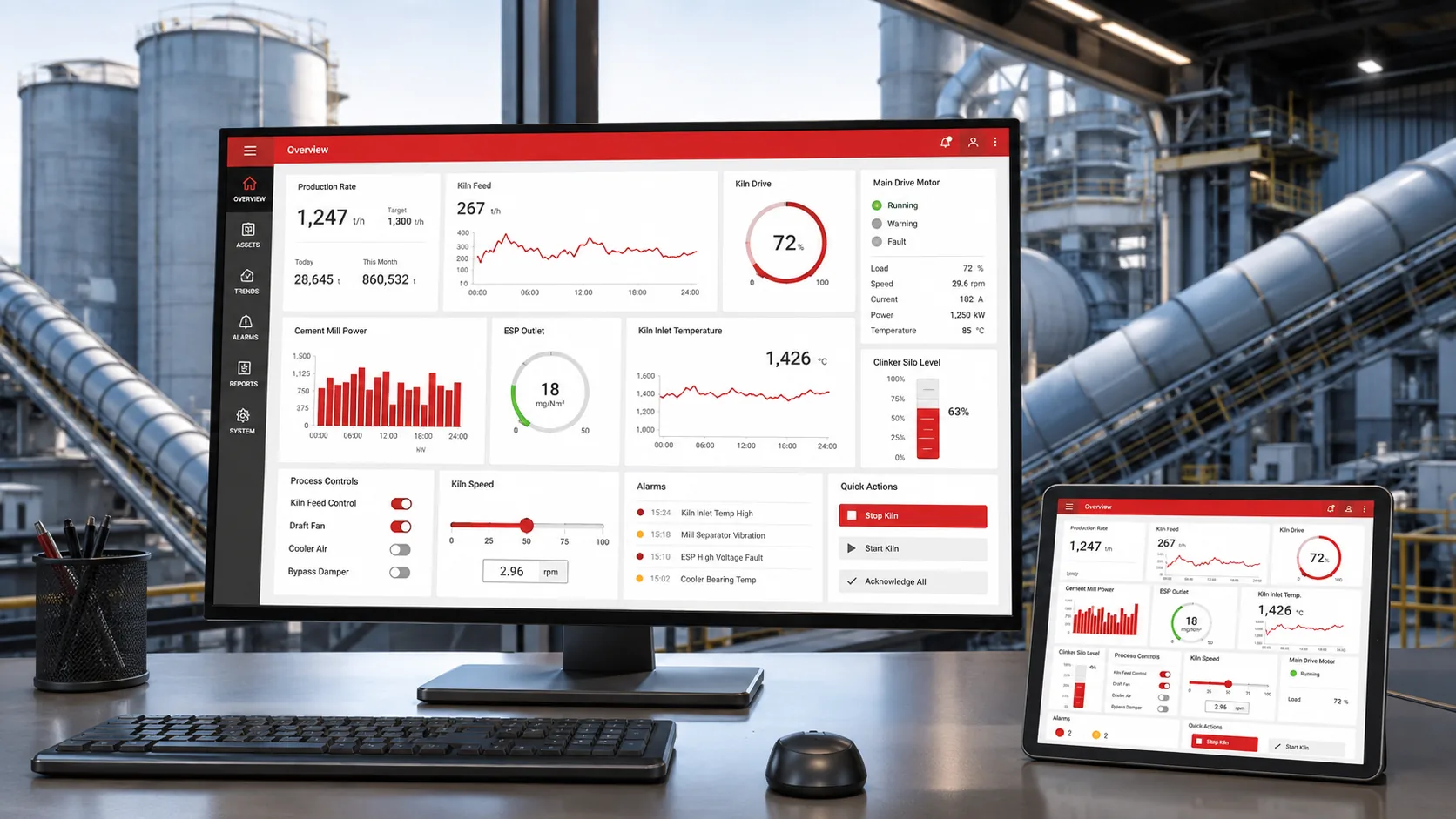
Charts, Gauges and Controls
Build clear operational views with charts, graphs, gauges, sliders, switches, buttons, statistics and text displays.
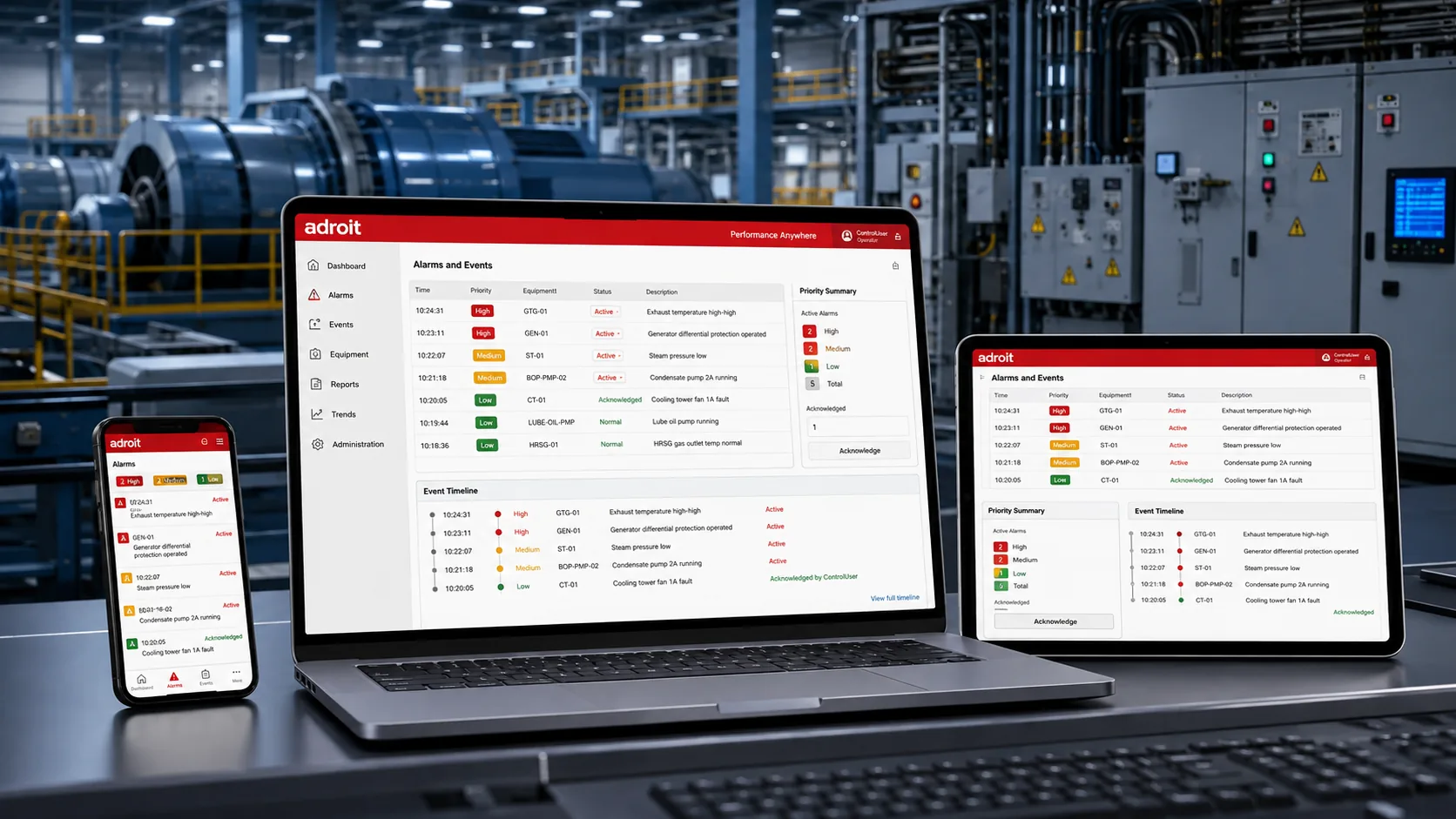
Alarm and Event Visibility
Monitor alarms and events remotely and allow authorised users to acknowledge alarms through the web-client dashboard.

Helpful Resources
Questions often asked.
Performance Anywhere is Adroit's responsive HTML5 web-client dashboard for monitoring and, where authorised, controlling selected Adroit SCADA functions through supported web browsers.
It can be accessed from supported desktop computers, laptops, tablets and smartphones across different operating systems and mobile platforms.
Users can view selected process values, production information, alarms, events, trends, statistics and updated plant screens configured in their dashboards.
Yes. Users with the correct credentials and permissions can perform configured actions such as acknowledging alarms, changing set points, or starting and stopping permitted equipment.
Network user and group profiles define the data, pages and functions available to each user through the web-client operator.
Yes. The built-in Designer allows users to build interfaces with standard widgets, wizards and multiple dashboard pages linked to Adroit SCADA data.
Dashboard widgets include charts, graphs, gauges, alarm lists, analogue displays, sliders, switches, buttons, statistics, text displays and Dynamic HTML content.
Yes. It can be configured for internal access over the site's network and Wi-Fi or for external access to the site network through the Internet.
It uses a poll-based interface that can be configured to retrieve all value changes between poll intervals or only the value available at each interval.
Yes. If GIS functionality is configured within the Adroit SCADA system, the dashboard can display mapped locations, markers and associated values.
Take Your Control Room With You.
Give authorised users secure, responsive access to the plant information they need, on whichever device they have to hand.